A seat atthe table.
Your X avatar, drawn into the world of The Mutual Fun. Bring your TMF Pass, pick the finishing touches, and meet your pixel counterpart.
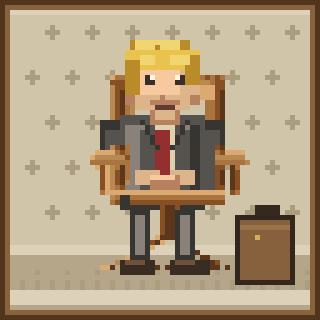
Preview artwork. Your actual chair is assigned automatically.
Four steps. One portrait.
Nothing to install beyond your EVM wallet. No signing, no transactions.
- 01Connect●
- 02Verify Pass○
- 03Link X○
- 04Create○
Make yourself at home.
Start with your wallet. We will take it from there.
First, your wallet.
Connect an EVM wallet to check for a TMF Pass on Robinhood Chain.
Only your public wallet address is requested. No signatures or transactions.
Using a phone? Open this page inside your wallet app browser.
Your name on the door.
Link an X username to this wallet. Once confirmed, it cannot be changed.
Now for the portrait.
Set the background and briefcase. Your chair is assigned behind the scenes.
Connect your wallet and link your X username to open the studio.
The chair is assigned automatically and cannot be selected.